This guide helps buyers compare parking guidance options without reducing the project to sensors alone. The driver experience, operator dashboard and integration plan all matter.
Parking system selection matrix
| Decision factor | Recommended approach | Buyer risk to avoid |
|---|---|---|
| Counting method | Choose entrance counting, zone detection or bay detection by the driver promise the site must deliver. | A mismatch between counting method and sign message creates driver distrust. |
| Display strategy | Design signs around decision points, brightness, viewing angle and fallback messages. | Drivers ignore guidance when signs are late, hidden or too complex. |
| System integration | Plan data exchange with barriers, payment, mobile app or property systems before hardware ordering. | Late integration can require rework in both parking software and field controllers. |
Choose the detection level
Detection design should follow the guidance experience you want to deliver.
- Entrance-level counting is simple but cannot guide drivers to exact zones or bays.
- Zone-level detection balances cost and usefulness for many outdoor lots.
- Bay-level detection provides the clearest guidance but requires more device and maintenance planning.
Plan signs from the driver path
Sign placement is a traffic design decision, not only a display purchase.
- Place signs before decision points, not after drivers already commit to a lane.
- Set brightness and viewing angle for daylight, night and weather conditions.
- Define fallback messages or safe behavior when occupancy data is delayed.
Require operator tools
The operator needs visibility into utilization and device health.
- Dashboard fields should include free spaces, occupancy rate, offline devices and alarms.
- Reports should support daily operations and management review.
- APIs should be discussed early if payment, barrier or property apps need data.
Checklist
Planning checkpoints
Map the driver route before selecting displays.
Pick detection granularity based on the required guidance precision.
Test update latency and accuracy during acceptance.
Include device health and exception reports in the platform requirement.
Standards
Standards and interface notes
- Define update interval and accuracy target in the procurement document.
- Specify sign brightness, enclosure and mounting based on indoor or outdoor exposure.
- Clarify whether the platform is only for operators or also supports driver-facing apps.
- Confirm API access, authentication and data fields for any third-party systems.
Procurement
Commercial questions to settle
- What message should the driver see at each decision point?
- Is construction allowed for sensors, cabling or sign foundations?
- Does the operator need revenue, utilization or only guidance data?
- Who maintains sensors after pavement or layout changes?
Acceptance
Evidence buyers should request
| Acceptance test | Pass criteria | Evidence |
|---|---|---|
| Manual count comparison | System counts stay within the agreed error range during representative traffic periods. | Manual count sheet and platform export. |
| Driver route test | A test driver can follow signs to available spaces or zones without staff guidance. | Route notes and sign photos. |
| Integration data sample | Selected occupancy data is available to the target system in the agreed format. | API response or export file. |
Related Products
Product capabilities for this page
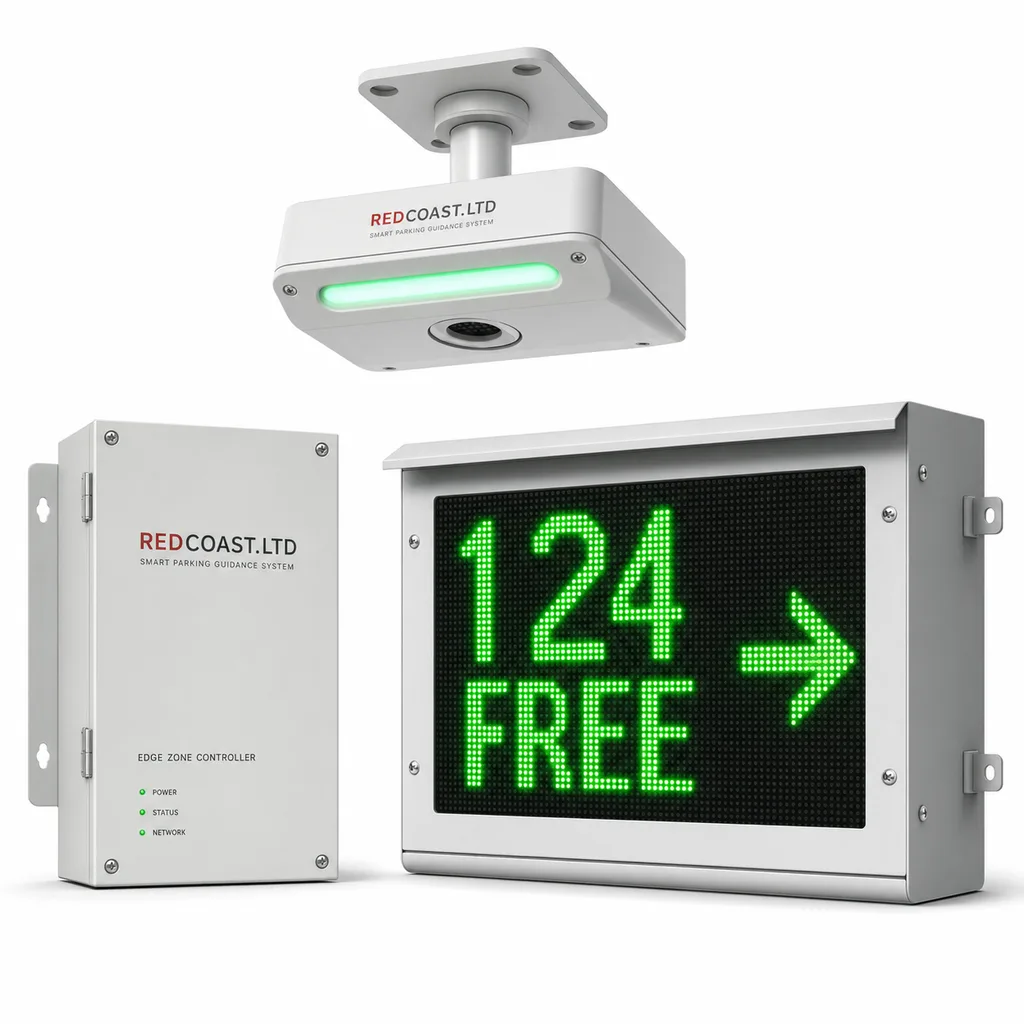
Grid-Powered Smart Parking Guidance & Management System (Per-Bay Sensors, LED Count Signs, ANPR, Cloud & Driver App)
End-to-end grid-powered parking guidance system: all-in-one per-bay ultrasonic sensor with RGBW indicator, zone controllers, multi-pitch LED count signs, ANPR, SaaS dashboard and white-label driver app — all powered by REDCOAST.LTD-designed custom PCBs.
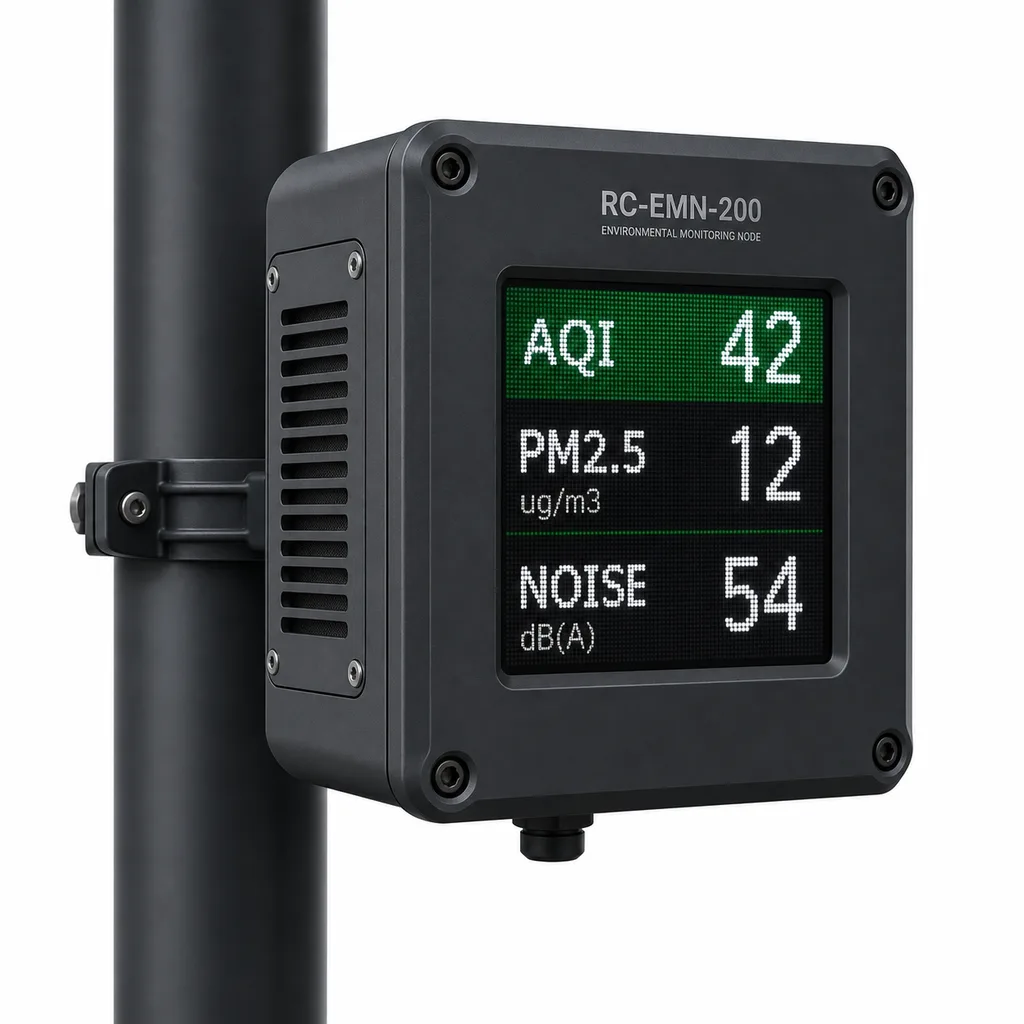
Grid-Powered Urban Multi-Parameter Environmental Monitoring & Public Display Node
Mains-powered pole-mounted sensor node measuring PM2.5/PM10, NO2/O3/CO, noise dB(A) and microclimate in real time—with a built-in outdoor LED display panel for public AQI transparency and FIWARE NGSI-LD push to city platforms.
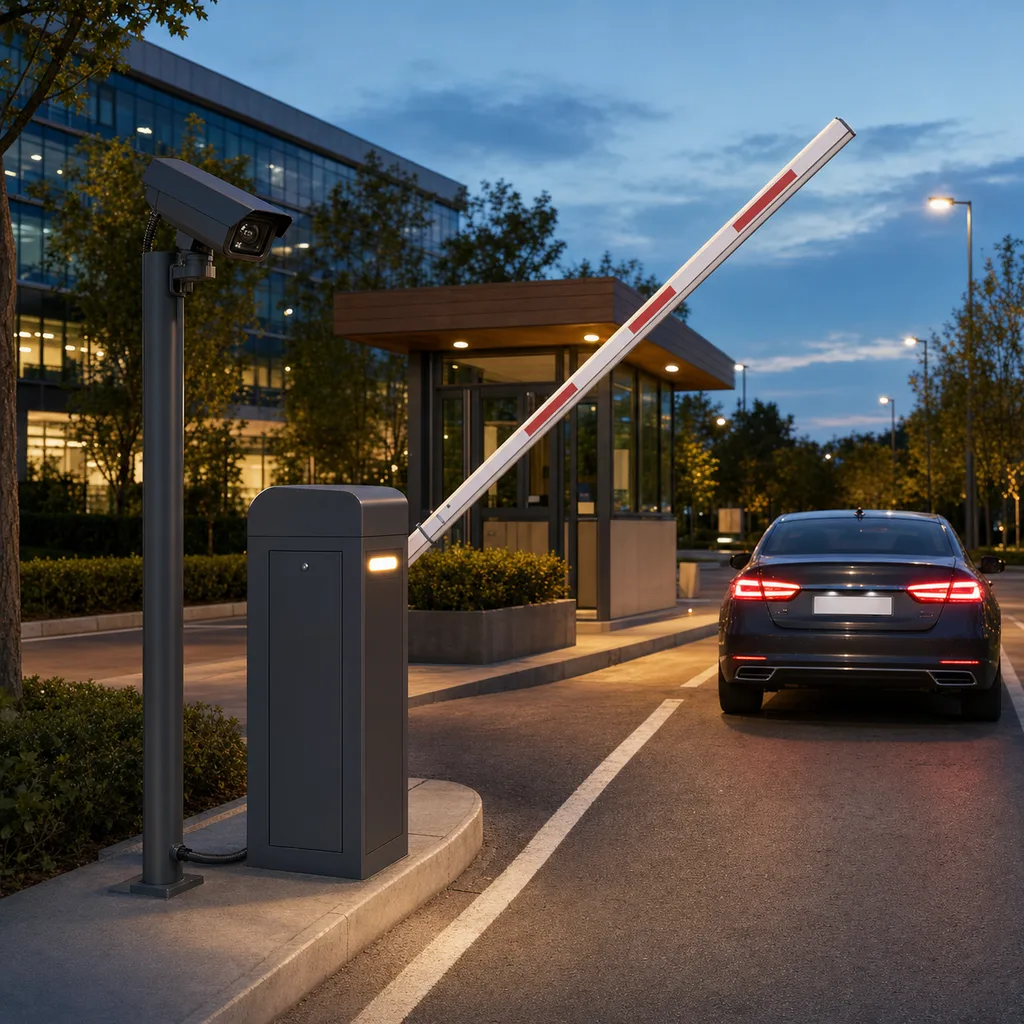
LPR Vehicle Access Control & Barrier Gate System
Grid-powered license-plate-recognition barrier gate for parking lots, gated campuses and compound entries — edge-AI LPR camera, brushless servo barrier and multi-protocol access controller in one REDCOAST.LTD package.
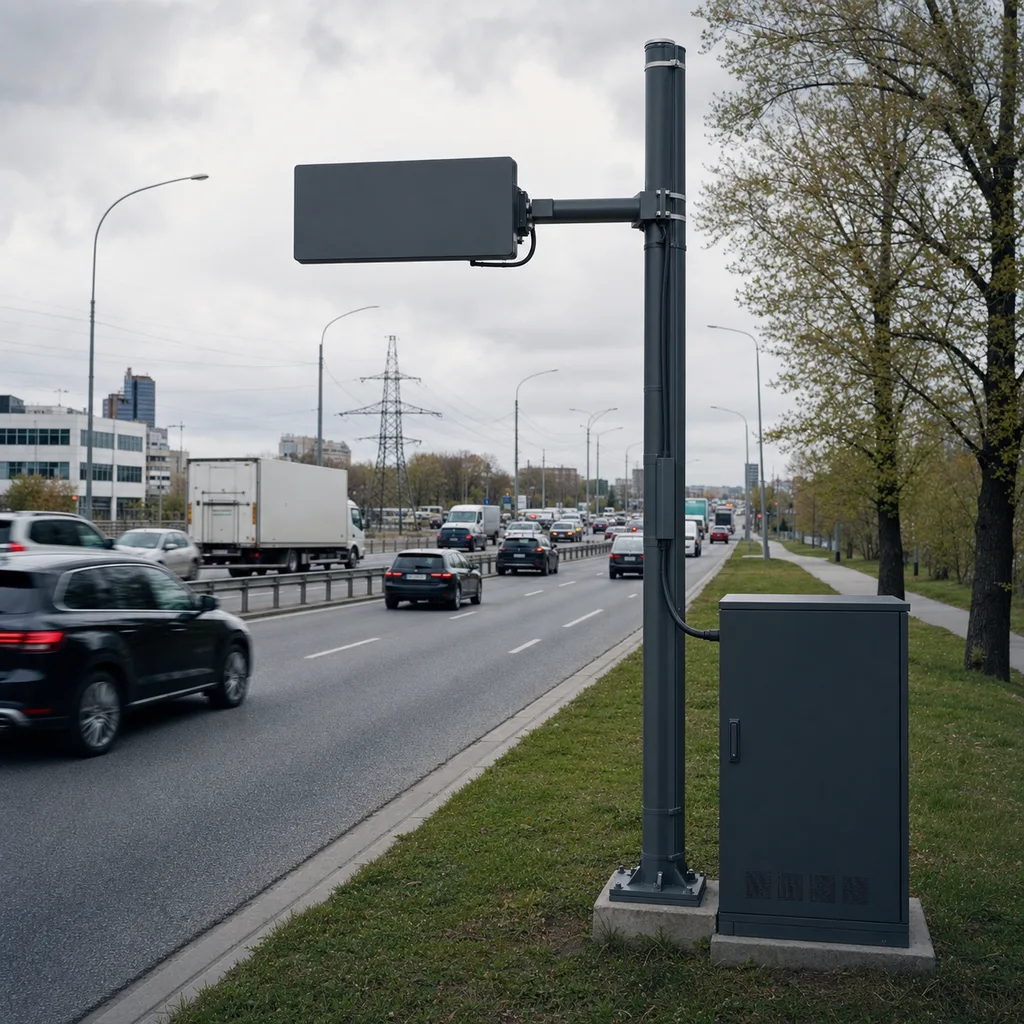
Non-Intrusive Radar Traffic Monitoring & Vehicle Classification Station
Grid-powered non-intrusive side-fire radar station for permanent multi-lane traffic counting, speed and vehicle classification (AADT), NTCIP 1206-ready, UPS-backed with an optional axle-based FHWA 13-class module.
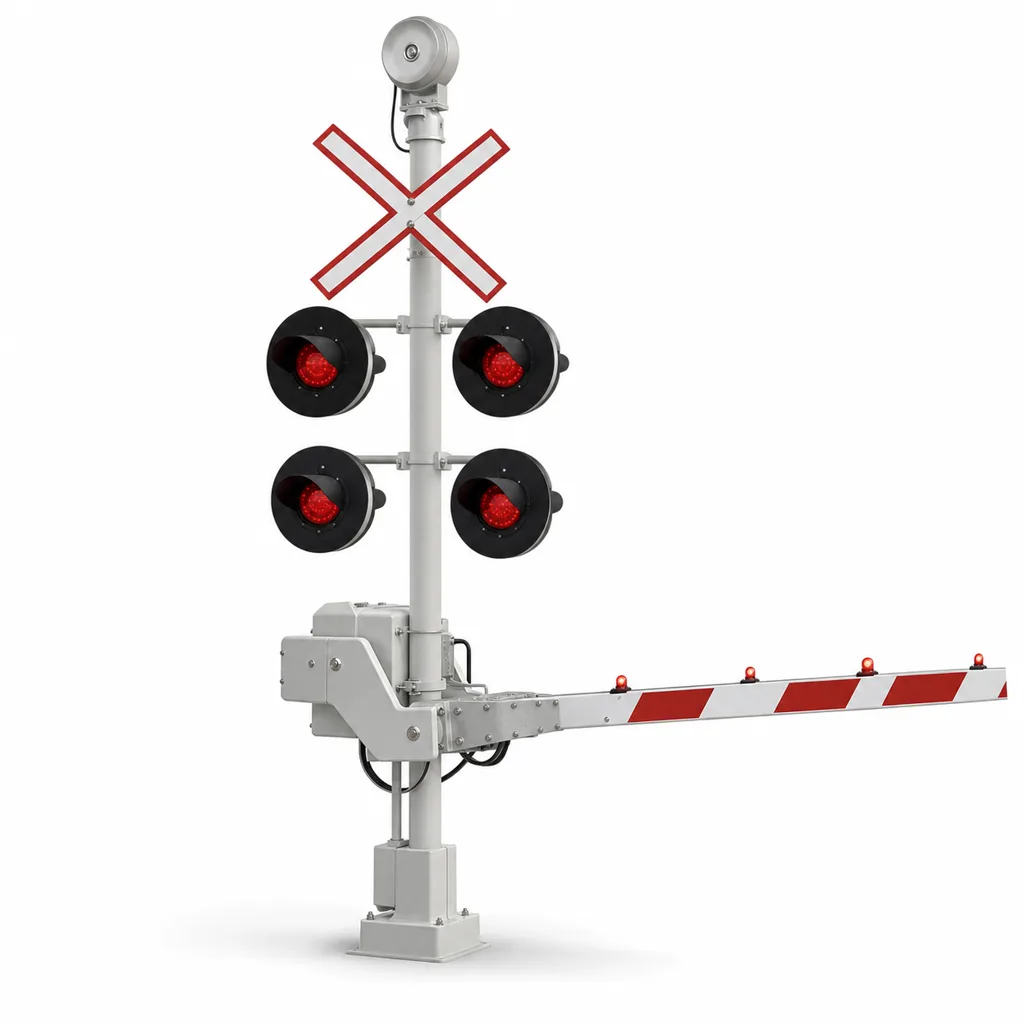
Railway Level Crossing Warning System (LCWS) with LED Flashing Signals, Half-Barrier Gates & Obstacle Detection
Grid-powered railway crossing warning system with wheel-sensor train detection, LED signals, bells, half-barriers, optional radar obstacle detection, battery backup, and web and mobile monitoring.
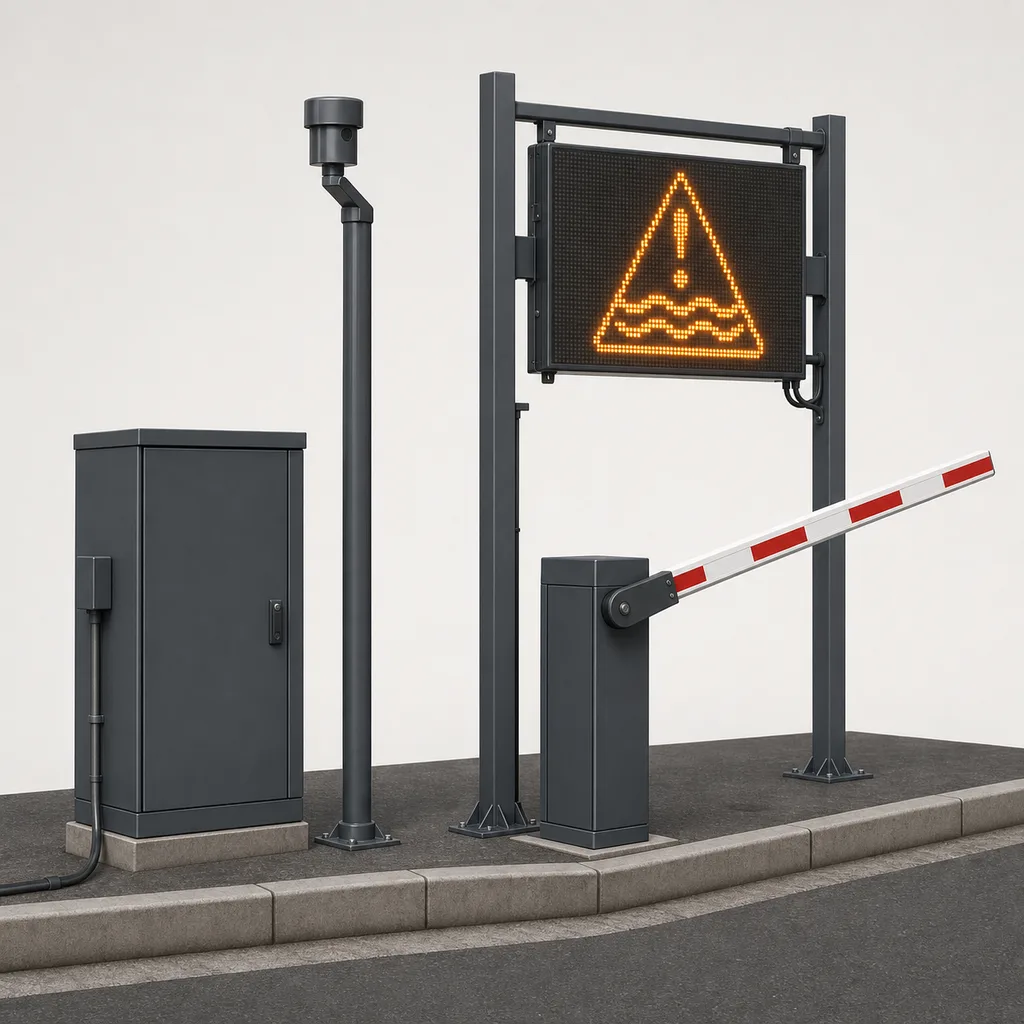
Underpass & Low-Lying Road Flood Warning and Automatic Barrier System
Grid-powered flood warning and automatic barrier system for urban underpasses and low-water crossings: redundant radar water-level sensing, full-matrix LED warning signs, flashing beacons and a boom barrier that closes flooded roads before vehicles enter.
Next
Related guidance
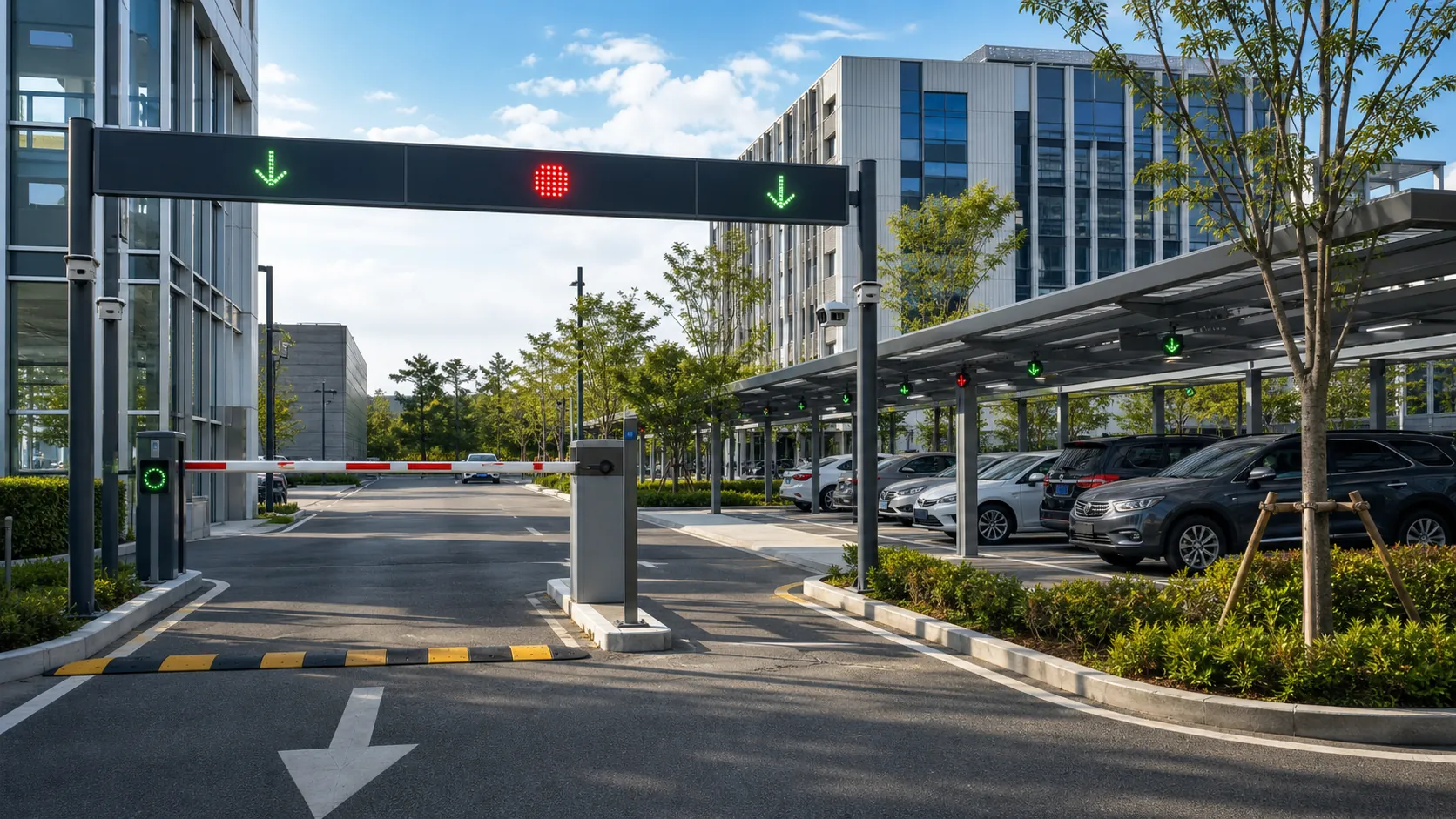
Parking Guidance
Design outdoor and indoor parking guidance with occupancy detection, entrance displays, bay indicators, operator dashboards and integration-ready APIs.
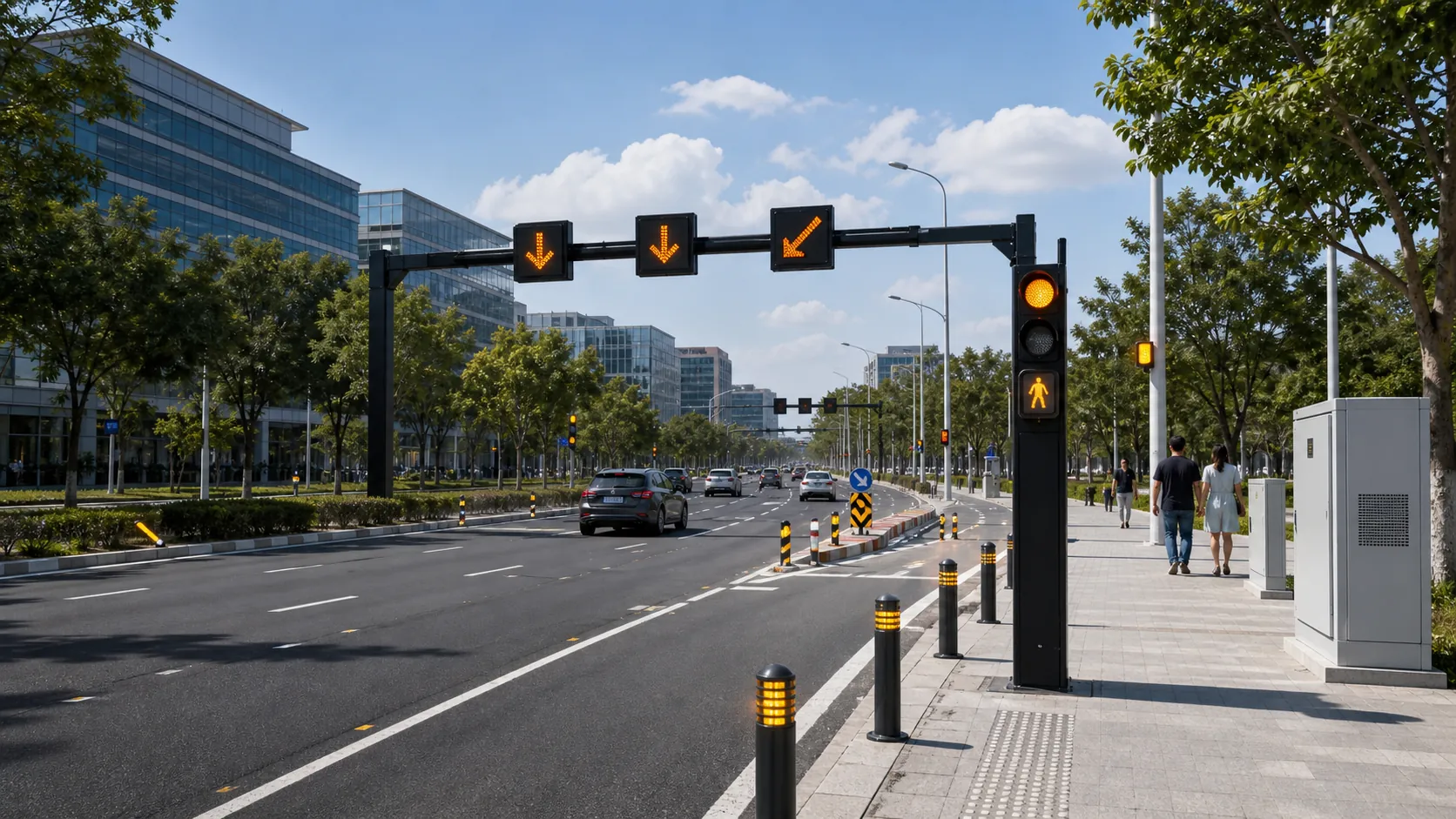
Airports and Hubs
IoT infrastructure for transport hubs: parking guidance, road safety, outdoor lighting, signage, monitoring and operational dashboards.
Campuses
Campus IoT for lighting, parking, safety, smart poles, environmental data and facility maintenance workflows.
Frequently asked questions
Which parking sensor type is best?
There is no universal best type. The right option depends on indoor or outdoor use, pavement constraints, accuracy needs, maintenance access and budget.
Do smart parking systems need a mobile app?
Some projects need only signs and an operator dashboard. A mobile app is useful when drivers, facility teams or tenants need a direct interface.
What data should a parking dashboard show?
Useful dashboard data includes total spaces, free spaces, occupancy rate, zone status, device health, alarms and historical trends.
What is the difference between parking guidance and parking management?
Guidance helps drivers find available spaces. Management also handles operator reporting, device health, alarms, integrations and sometimes payment or access workflows.
How long should a parking guidance pilot run?
A useful pilot should cover peak and quiet periods, weather variation if outdoor, maintenance events and at least one reporting cycle.
Need this engineered for your project?
Tell us the site type, required devices, power and connectivity conditions. REDCOAST.LTD will respond with a tailored approach.